01 / SAVE THE IDEA
Keep the spark.
Skip the rush.
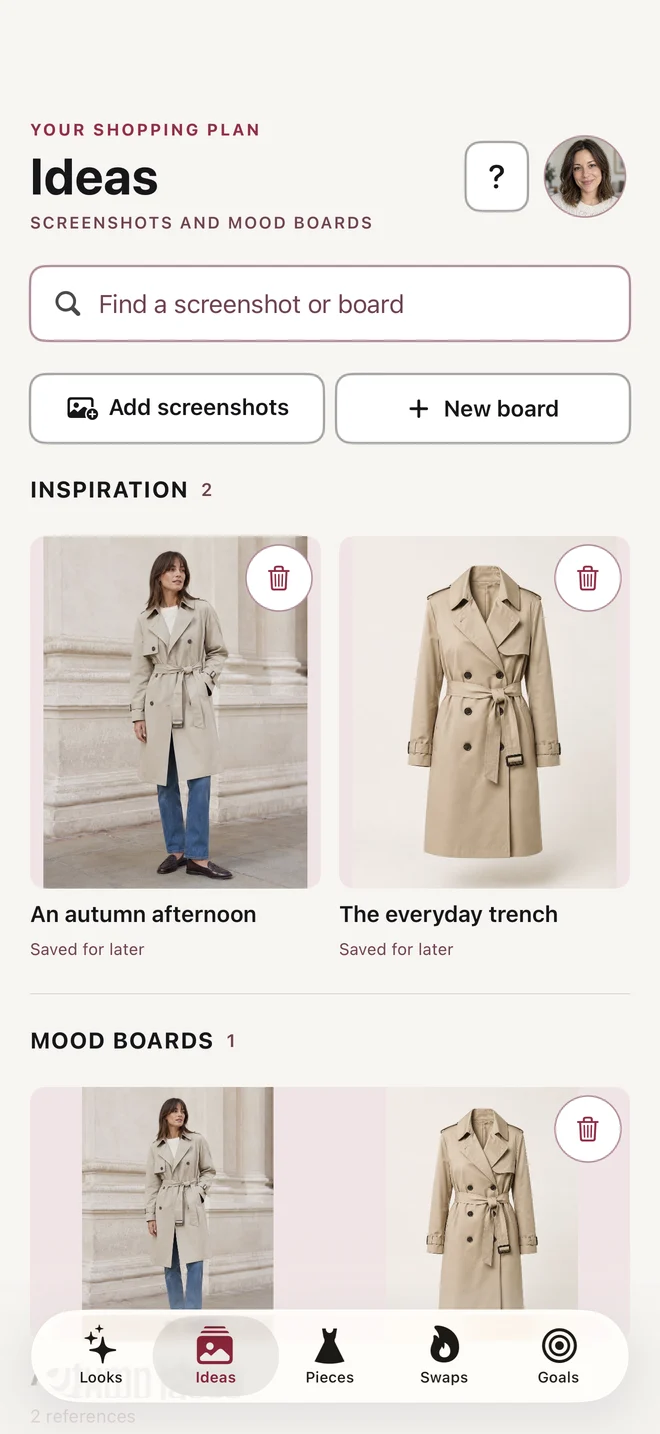
Share a product from Safari or save a screenshot. Keep the pieces and outfit ideas you want to come back to, all in one place.
Save the spark for your next Look.
Save the inspiration. Plan it with what you own. Decide what’s worth buying, later.
Now available on the UK App Store
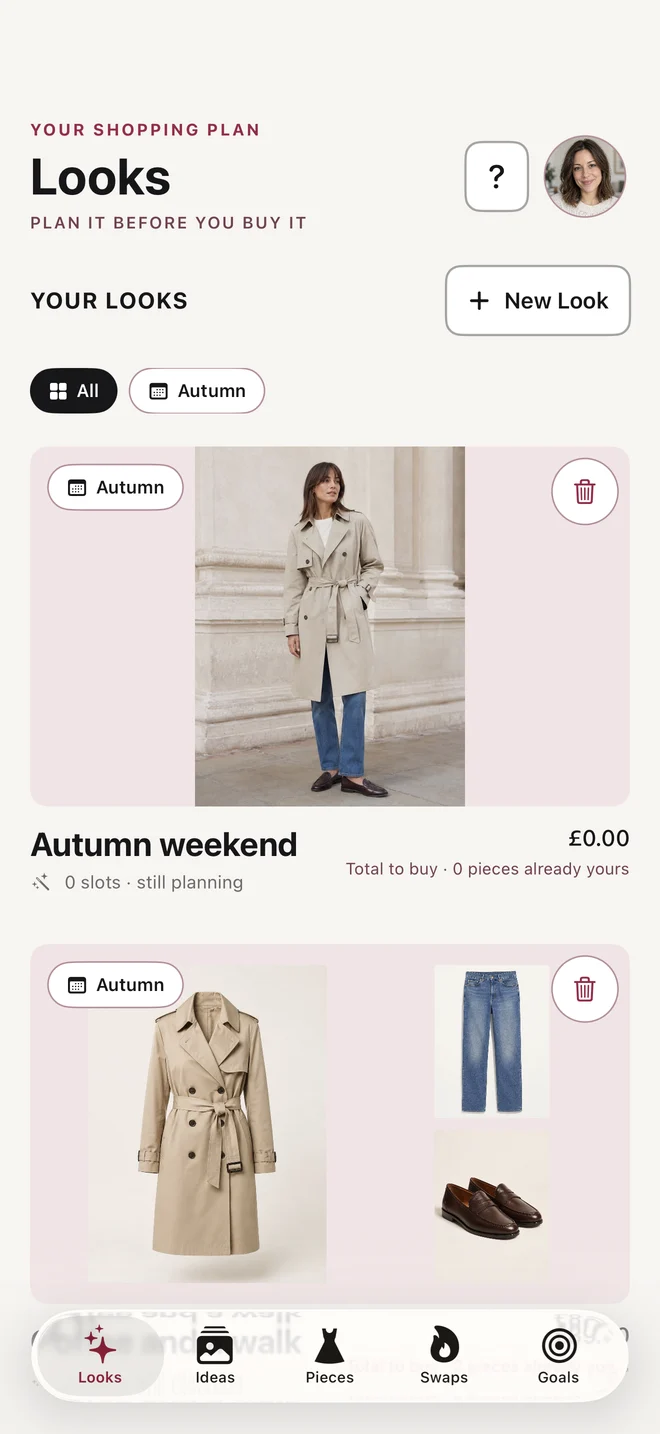
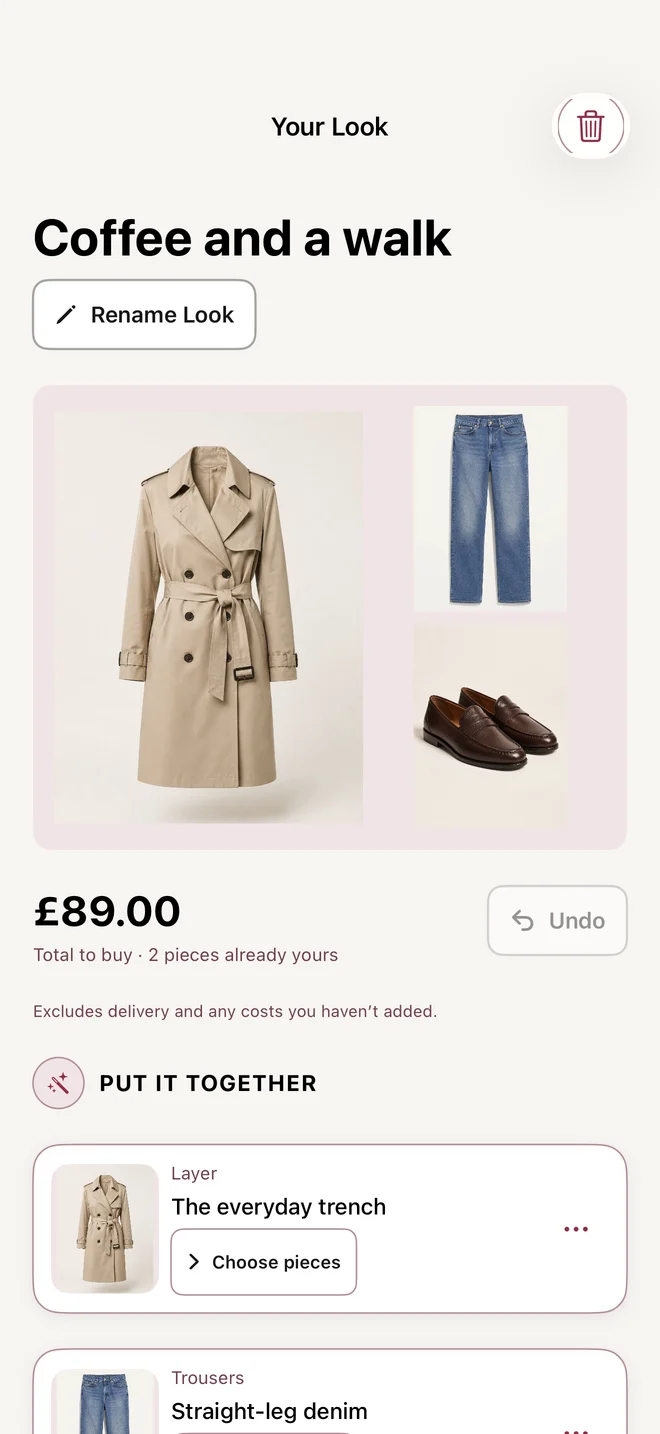
App screens with a sample wardrobe.
01 / SAVE THE IDEA
Share a product from Safari or save a screenshot. Keep the pieces and outfit ideas you want to come back to, all in one place.
Save the spark for your next Look.
02 / MAKE IT A LOOK
Bring new finds together with clothes you already own. Compare versions and find the Look you want to wear.
Your wardrobe, with a fresh idea.
03 / GIVE IT A LITTLE TIME
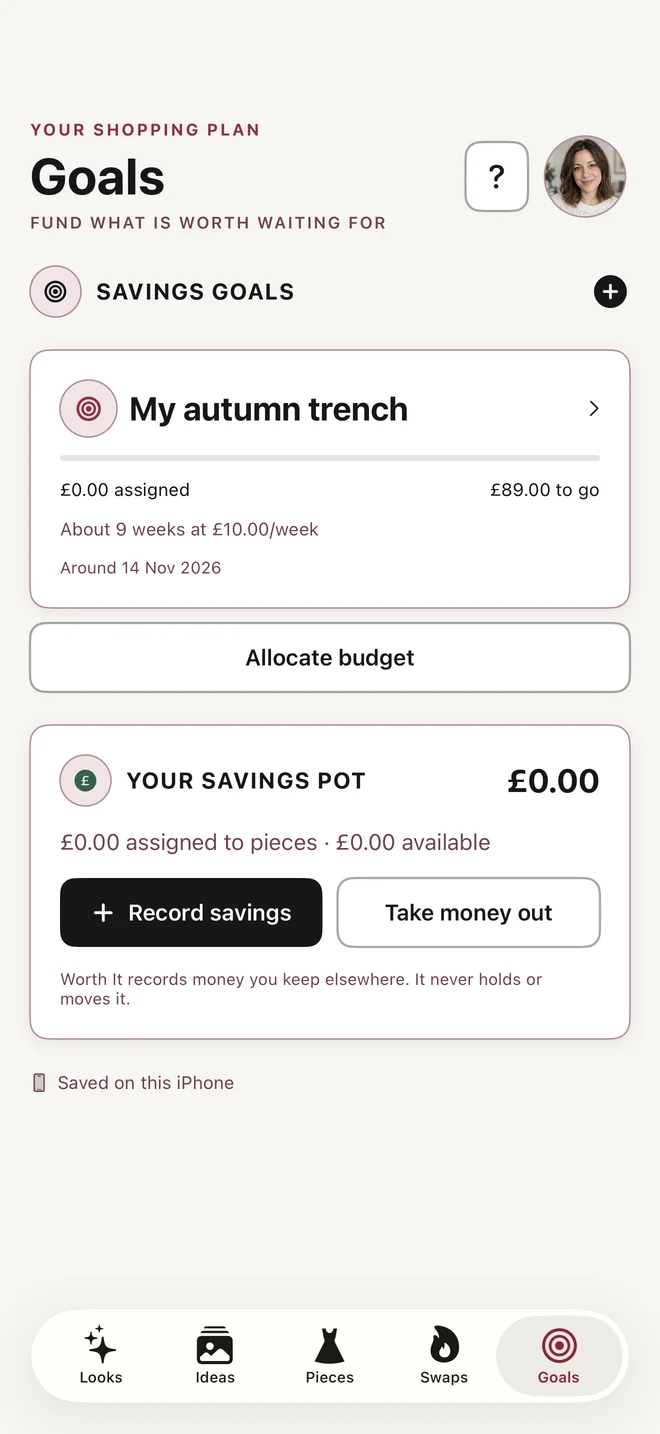
Set a cooling-off period before you decide. If a piece still feels worth buying, make a goal and record what you put aside.
You record your savings. Worth It never connects to your bank or moves money.
A little closer to the piece you love.
Worth It is free. There are no paid planning features or in-app purchases. Create an account with your email and a password to back up your library.
No. You enter the amounts you’ve put aside yourself. Worth It does not connect to a bank account, transfer money or make purchases for you.
Download Worth It from the App Store. Get Worth It for iPhone.
Your library allows 500 pieces, 200 inspiration images, 50 boards and 1,000 Looks. Private image backup allows up to 200 images or 25 MB, whichever comes first. Removed or replaced photos still use space until account deletion. You can keep planning with text when image backup is full.
Yes. On iPhone, open this page in Safari, tap Share, then Add to Home Screen. After your first visit finishes loading, this page is available offline. Outfit planning happens in the iPhone app.
Plan your next outfit with Worth It for iPhone.
Get Worth It for iPhoneOpens the App Store.